
You can start building in minutes. That is why people get stuck.
You have an app idea, so you open an AI coding tool and describe it. A screen appears. It feels like you have started building before you have had time to doubt yourself.
Then you need to decide what the first version actually does, what users see first, where their information lives and which feature comes next. Each new prompt becomes a new version of the app in your head. The AI can write code, but it cannot know which decisions you have not made.
The cost arrives later. You rebuild a feature because it did not fit the one before it. You spend more tokens asking the agent to explain a project you cannot see. You keep adding ideas because there is no clear definition of done.
Developers avoid this by deciding the shape of a product before asking a coding tool to implement it. They write down what the app is for, what each feature must do and the order in which it should be built. That gives the coding tool a job it can execute well.
A PRD is simply the plan your coding tool can work from
PRD means product requirements document. The name sounds technical, but it is just a clear explanation of the app you want to make. It records the problem, the user, the feature, the important rules and what a finished result looks like.
A good PRD does not make your AI less useful. It gives Claude Code, Codex, Cursor or another agent a better brief. Instead of asking it to guess what you meant, you can hand it one defined piece of work and review the result against the plan.
The best tools make different parts of that process easier. Start with the one that matches the next problem you need to solve.
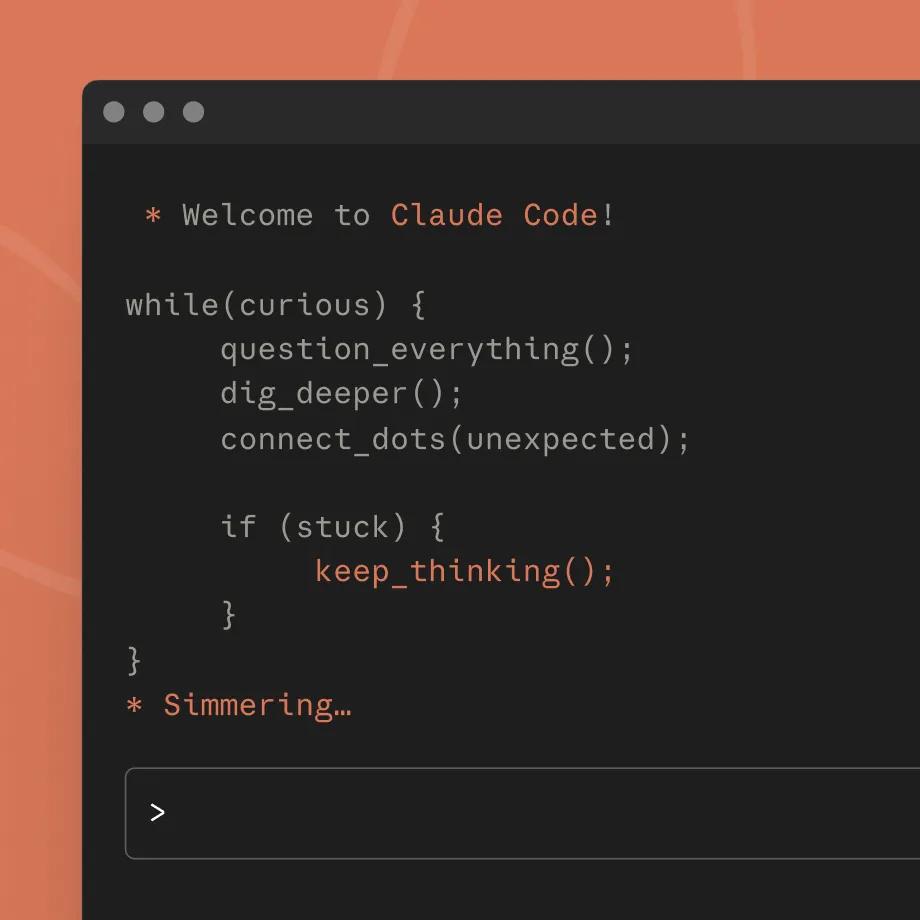
Claude Code is powerful when you know what to ask it to build
Claude Code is a coding harness that can work directly with a project from the terminal. It is a strong choice when you want an agent to inspect the codebase, make a change and run through the work in the same development workflow.
For a beginner, the trap is assuming the tool knows the product because it can see the files. It can see the code. It cannot see the decision you made yesterday about who the feature is for, what you deliberately left out or what must not change. A short plan and a defined task make its output easier to trust and review.
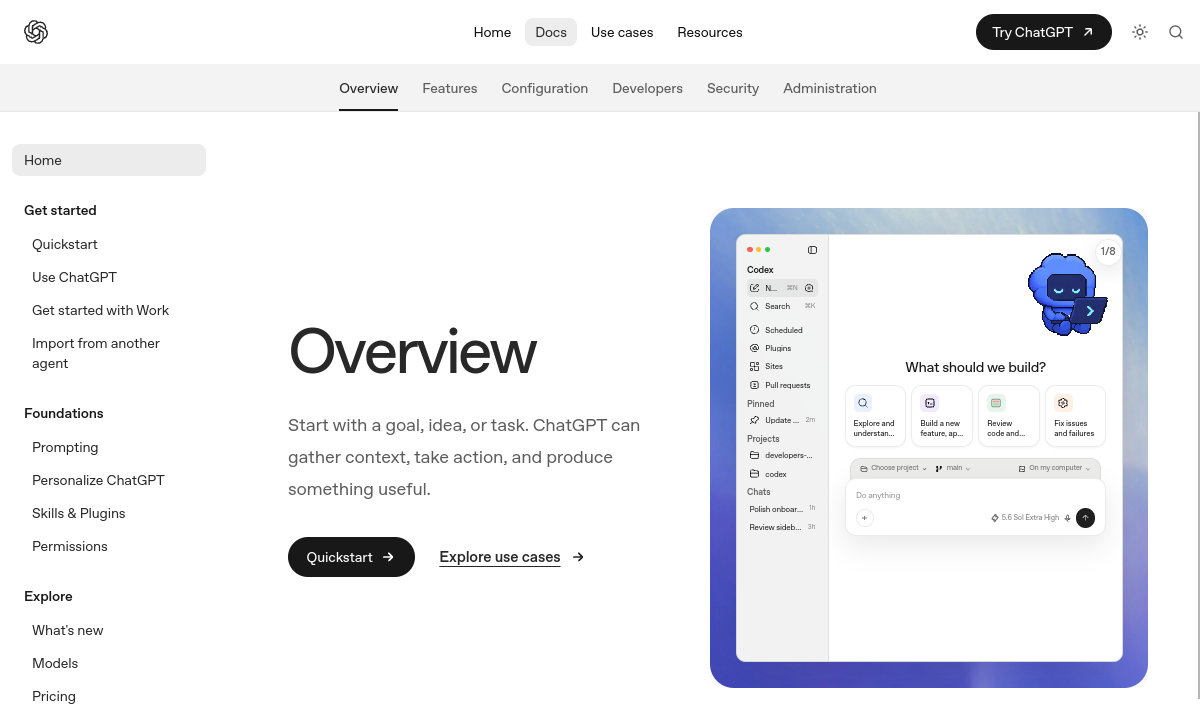
Codex is useful when the task is ready to hand over
Codex is a coding agent you can give implementation work to. That is valuable when you have separated a feature into a piece of work that has a clear outcome, the context it needs and a way to check whether it is done.
The better the task, the less you need to keep correcting the direction. Before you hand work to any coding agent, say what the user needs, what should happen, what it touches and what counts as finished. That is the plain-language job a PRD is designed to do.
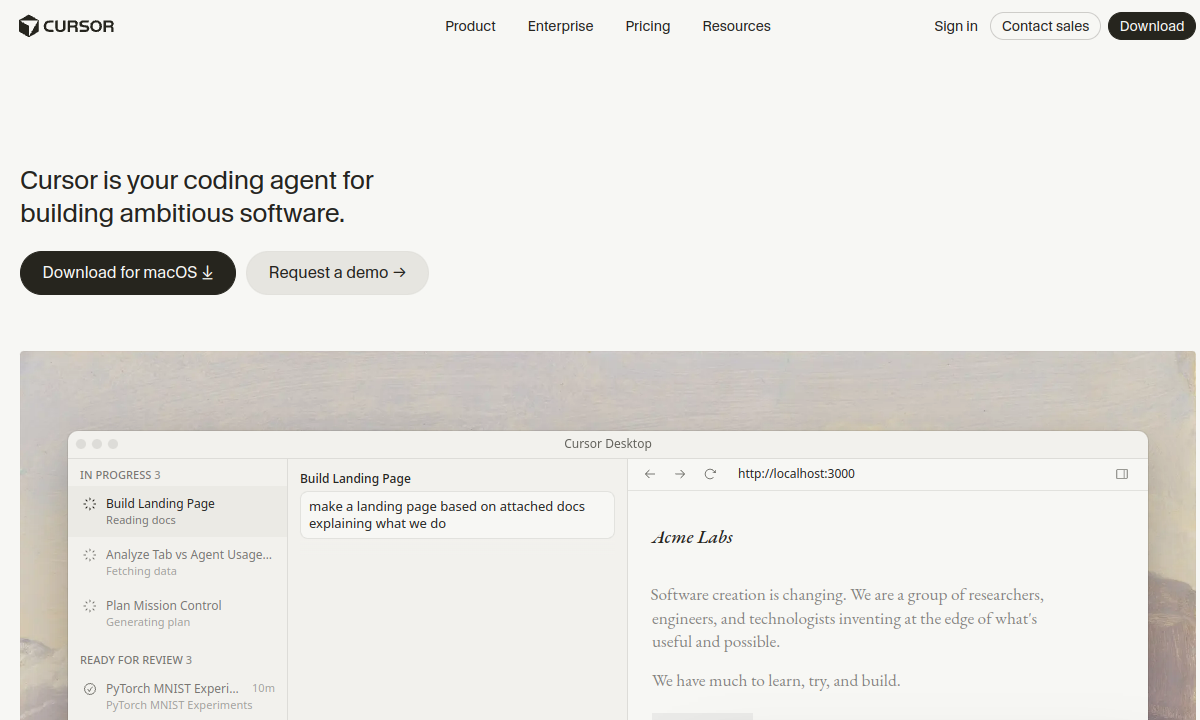
Cursor keeps AI close to the code in an editor
Cursor is an AI-assisted code editor. It is useful when you want to stay in an editor-led workflow and work with AI while you inspect the code, make changes and understand what is happening in the project.
It still needs product decisions from somewhere. An editor can make coding quicker, but it cannot decide which first version is worth building or stop a new feature from quietly widening the scope. Keep those decisions in a visible plan outside the editor.
CodeSpring is where you decide what the app becomes
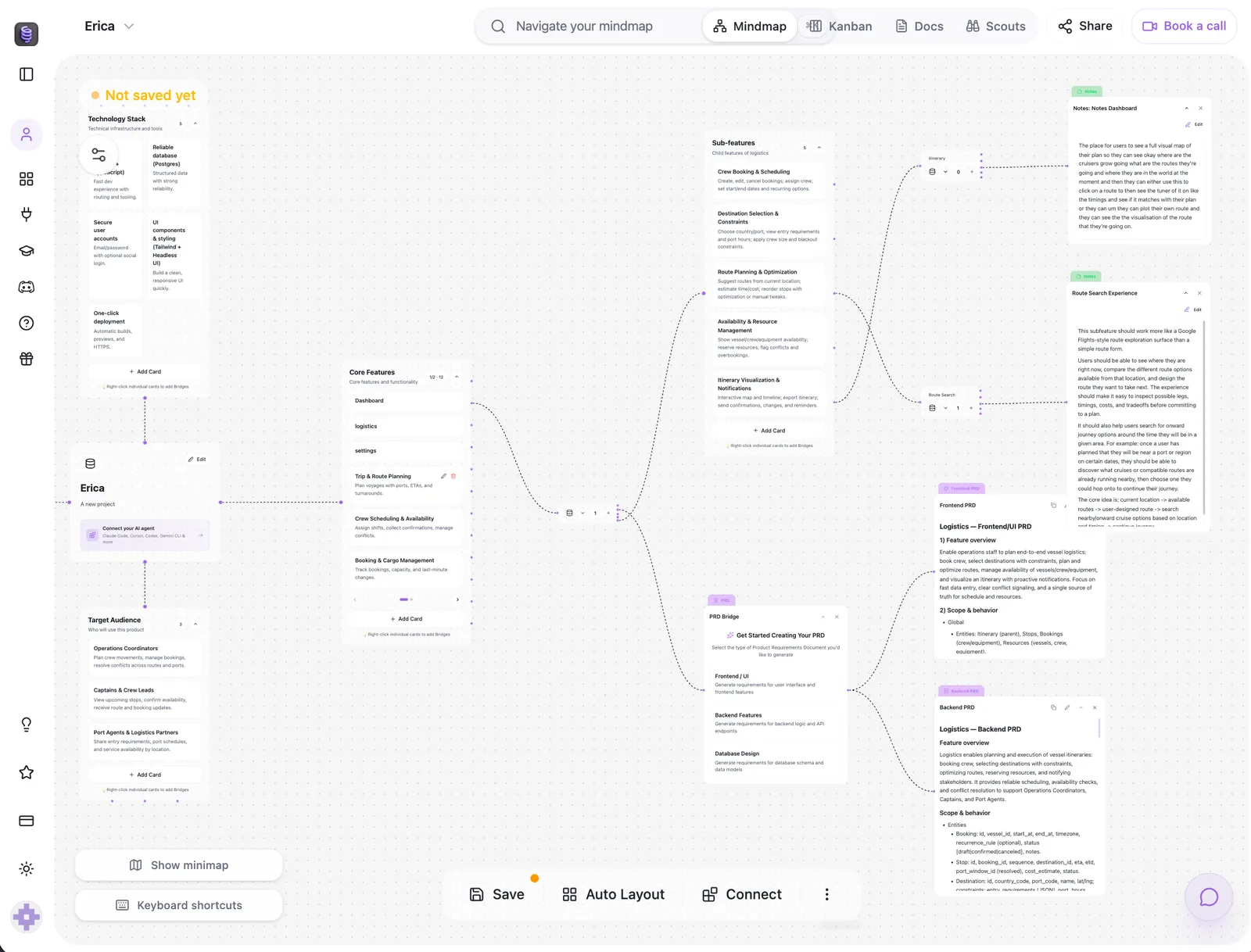
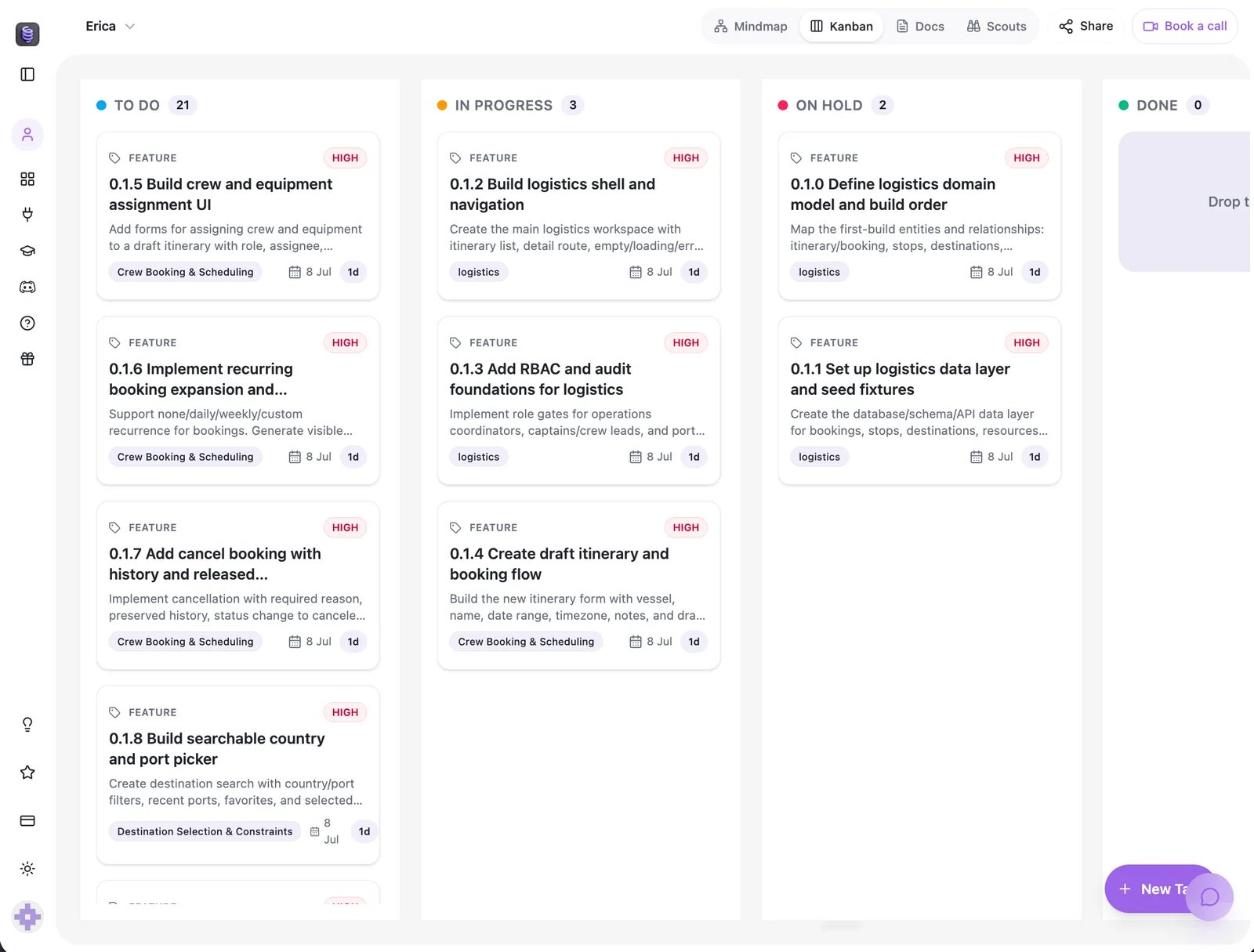
CodeSpring starts earlier than the coding harness. It helps you turn an idea into an app map, define each feature in plain English, create PRDs and put the work into an ordered Kanban board. That gives you a record of the product you are building, not just the code that happened to be generated.
As you add a new feature, you can design it against the map before asking an agent to change the code. The project stays easier to explain, the next task stays smaller and you can see the decisions behind the build instead of trying to recover them from a chat history.
You can build with the CodeSpring coding agent, or use CodeSpring as the planning and control layer beside Claude Code, Codex, Cursor or the workflow you already prefer.
Meet the CodeSpring coding agent
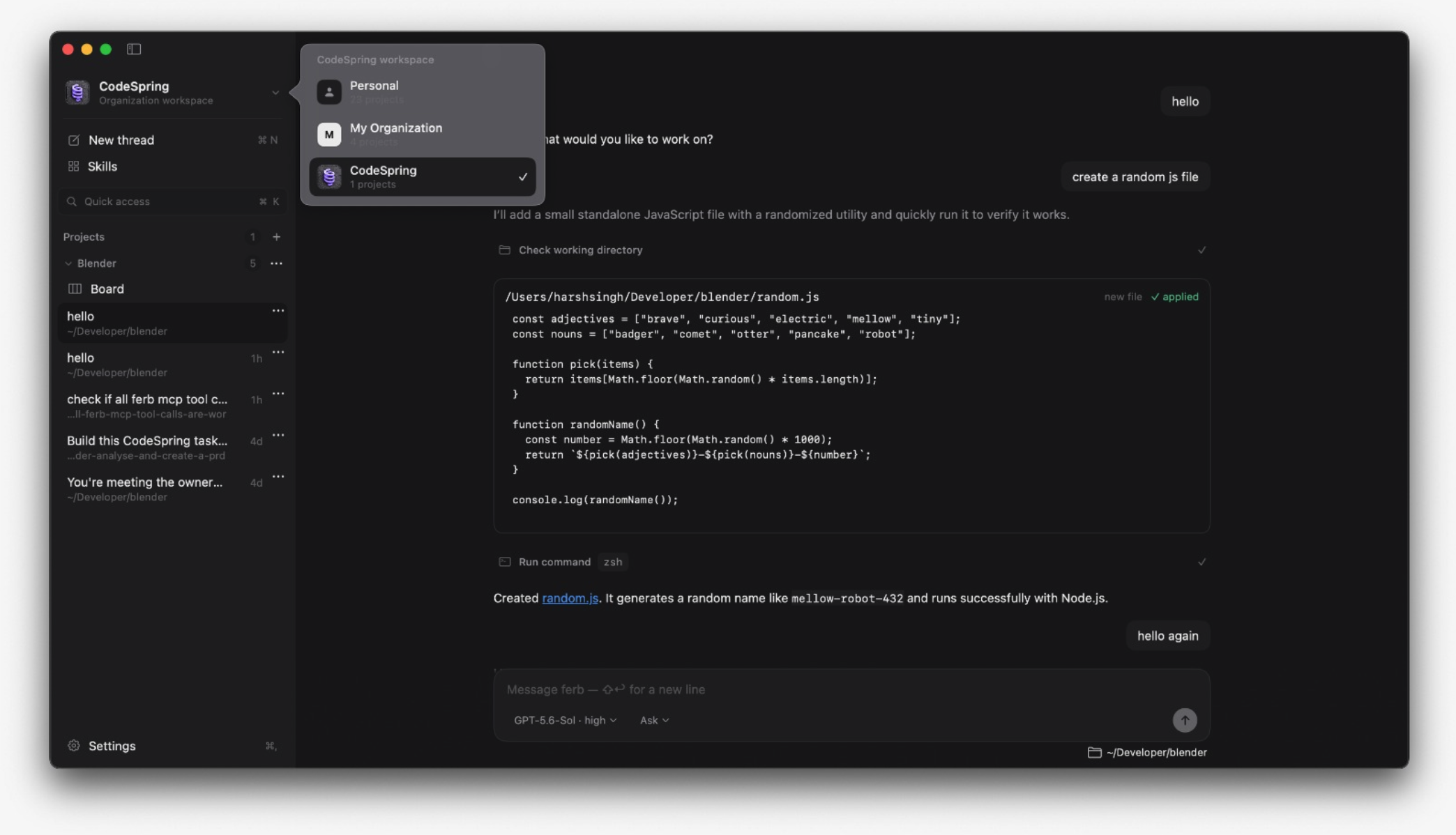
The CodeSpring coding agent takes one clear task and works in the linked project. It shows the files and commands it uses while it builds.
The screenshot below shows the real agent. It is making and running a JavaScript file while the project board and other task chats stay in view.
One plan, several ways to build
You do not need to abandon a coding tool you like. CodeSpring gives the app a clear shape and keeps the decisions visible, while you choose the agent or workflow that builds the next task.
Claude Code vs Codex vs Cursor vs CodeSpring
These products overlap around AI-assisted building, but they do different jobs. The useful question is not which brand is best overall. It is what you need the next step of your build to do.
| Tool | What it is useful for | Choose it when | What to add |
|---|---|---|---|
| Claude Code | A coding harness for working through a project from the terminal. | You want an agent that can work directly with your codebase and development workflow. | A clear brief, durable project rules and a visible task plan. |
| Codex | A coding harness for delegating implementation work to an OpenAI coding agent. | You already use Codex and want it to execute well-scoped build tasks. | Requirements, task order and a review trail around the work. |
| Cursor | An AI-assisted code editor for building inside an editor workflow. | You prefer an editor-led workflow with AI close to the code. | The product plan, decisions and work queue outside the editor. |
| CodeSpring | A visual product-planning and build workspace with its own CodeSpring coding agent, plus a workflow for compatible coding harnesses. | You want to turn an idea into a clear build plan, keep the app visible as it changes and direct the work task by task. | Use the built-in agent or connect the coding harness that suits your workflow. |
 Claude Code
 Codex
Codex Cursor
Pick your path
You do not need to learn every AI coding tool before you begin. Start with the situation you are actually in, then choose the next useful step.
I have an app idea, but I have not started building
How do I make sure I build the right first version?
Start by mapping the user, the one problem you want to solve and the smallest useful feature set. CodeSpring turns that into a plain-English plan, PRDs and an ordered list of tasks. Then use the CodeSpring coding agent, Claude Code, Codex, Cursor or your preferred workflow to build one task at a time.
I am already building, but every new feature feels messy
How do I keep adding to the app without losing the thread?
Bring the app back to a visible map before you add more code. Record the feature, its rules and the work it touches, then turn it into a scoped task. That gives the next agent session the context it needs and gives you a way to see whether the new feature belongs.
I want AI to code, but I want to stay in control
Which tool should do the building?
Use the CodeSpring coding agent when you want the build to follow the plan inside CodeSpring. Bring Claude Code, Codex or Cursor when one already fits your working style. The important part is that each agent gets a defined task, the project decisions stay visible and you review what changes before moving on.
What this comparison does and does not claim
This is a decision guide, not a benchmark claiming that one harness writes better code than another in every stack. Tool capabilities, pricing and supported workflows change quickly, so check the current product documentation before making a purchase decision.
CodeSpring does not replace the need to test code, review security-sensitive changes or decide whether a task should be automated. It gives founders a practical way to define, sequence and govern the build around the agent they choose.